
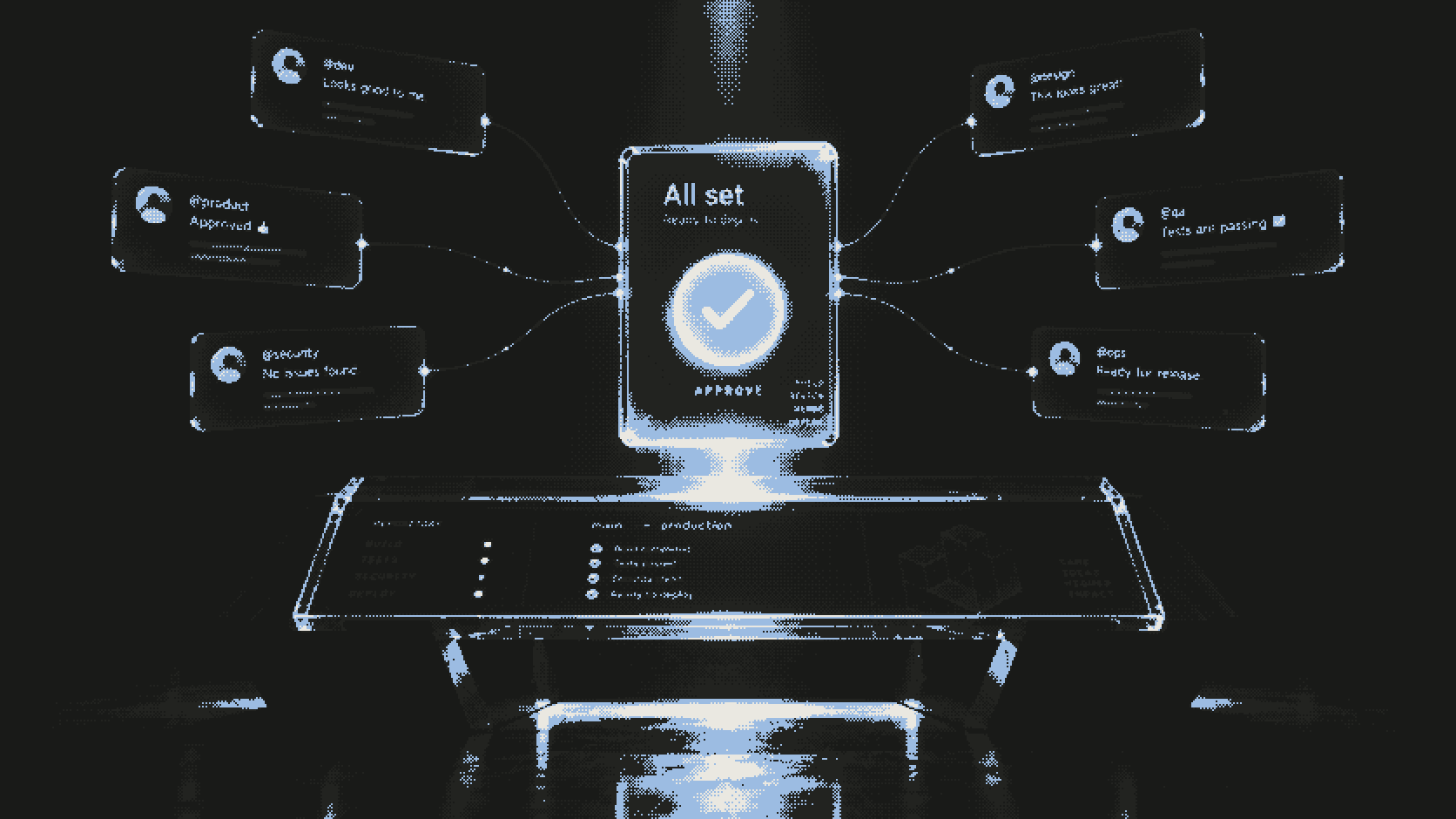
This is a guide to the second front door. The dashboard is one way to approve a coding run. Slack is the other one, and it exists so the person holding the gate does not have to open a new tab to hold it.
Sources: README.md, spec/GOAL.md, and
apps/web/src/content/docs/docs/mcp.md. Shiba is a local prototype. The
flows below are implemented and unit-tested; they are not a verified live
cloud run.
Slack slash commands, mentions, and card interactions are implemented and signature-verified in code. No live end-to-end cloud run is claimed, and the verification record stays dated and honest about that.
Two ways in
There are two Slack entry points, and they behave the same way once inside.
The first is a mention. Type @shiba-ai-coworker in a thread and describe
the task. The Worker receives it at POST /api/slack/events.
The second is a slash command. /shiba-ai-coworker <repo> <task> arrives at
POST /api/slack/command when you want to start a task without an existing
thread.
Both requests are HMAC-verified against the Slack signing secret before anything else happens. These routes sit outside the Cloudflare Access app that protects human traffic, so the Worker authenticates them itself. A bad signature means the request was never from Slack, and it stops there.
What a mention becomes
A verified mention is prose. The orchestrator LLM turns that prose into a
structured delegate_coding_task call, and the prose itself never crosses
the child boundary. parseAgentToolInput enforces that: the model’s free
text shapes a structured input, it does not leak into the sandbox as
instructions.
The task still needs a repository. The resolution order is documented: a
GitHub URL in the mention or thread wins, then SLACK_CHANNEL_REPOS maps
the channel to its repository, and if neither resolves the bot asks in the
thread instead of guessing.
One honest edge: mentions need SLACK_BOT_TOKEN to post the card. An empty
token means no card and no run. The failure is silent by design, because a
half-posted approval surface is worse than none.
The card is the gate
Neither entry point starts anything. Both queue a durable pending approval and post a Block Kit card into the thread. The card is the decision point, and the approval gate rule still applies in full: no container starts before a human approves the exact tool input.
This is also why there is no approve tool in the MCP surface. queue_run
queues a run. A human approves it in the dashboard, on an iPhone home-screen
app, or on the Slack card. Any path that lets a machine approve its own queued
work would route around the gate, so that path does not exist.
Who is allowed to click
The most important setting in the Slack flow is SLACK_APPROVERS. Unset, it
means nobody can approve from Slack.
That default is deliberate, and README.md says so in plain terms. A valid
HMAC signature authenticates Slack’s servers, not the human who clicked. A
Block Kit button in a public channel is clickable by every member of that
channel. Signing proves the button was rendered by your workspace’s request;
it says nothing about whether the person pressing it should hold the gate.
So approvers are an explicit list. If you want Slack approvals, you name the people who may approve. If you do not, the cards still render and the clicks still arrive, and every one of them is refused.
Where the click lands
A click resolves on the Durable Object named by the card’s pointer. For slash
commands that pointer is default. For mentions it is
slack:{team}:{channel}:{thread_ts}, which pins the approval to the thread
that produced it.
That pointer is what keeps the choreography honest. The pending approval lives in a durable record, the card points at it, and the click resolves against that record rather than against whatever state happens to be in the thread. A mention in one thread cannot approve a run queued from another.
Once the right person clicks, the existing machinery takes over. The DO dispatches the run, the sandbox provisions, and the approval record holds who approved what. Slack is a surface, not a second system; the gate underneath is the same one the dashboard holds.
What Slack cannot do
Slack cannot approve itself. It cannot pick a repository you did not give it without asking. It cannot run with an empty bot token, cannot let an unlisted member approve, and cannot turn a mention’s prose into raw sandbox instructions.
Each of those limits is a refusal the dashboard shares, because they come from the same rules. The point of the Slack surface is convenience for a human who already has authority, not a new kind of authority.
If your team lives in threads, the gate should live there too. It does, with the same signature checks, the same approver list, and the same record.
Slack as a trigger, not just a gate
Slack events can also start the other end of the loop. The automation engine accepts Slack as a trigger alongside schedules, GitHub events, incoming webhooks, and manual triggers, with at most one run per event. An automation fired from Slack still queues an approval unless unattended mode has been granted, and unattended mode itself is restricted to pull-request-only mutations on an explicit repo allowlist.
So even the automated path funnels back to the same decision record. A Slack message can cause a run to be proposed; it cannot cause a run to be trusted.
Read next: why the approval gate comes before the container.